Cookbook maker — turn your recipes into a print-ready cookbook for Amazon KDP.
MenuTome structures your recipes, drafts the concept and chapters, and hands you a print-ready PDF with a matching cover — set up for the Amazon KDP upload. Your recipes, your name on the cover; the AI does the work in between.
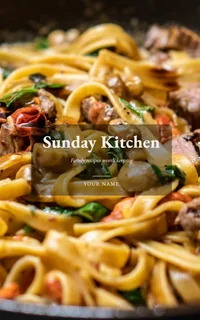
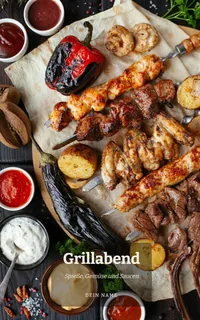
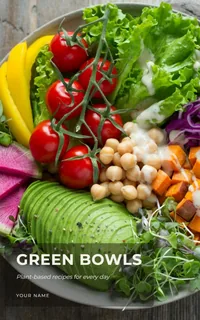
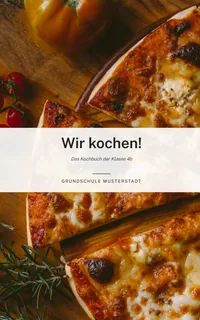
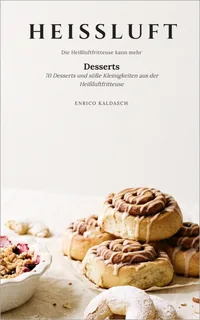
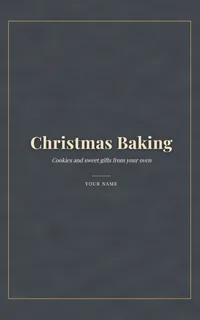
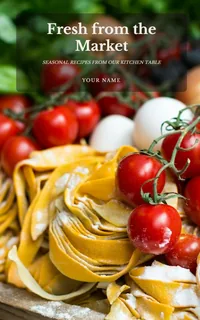
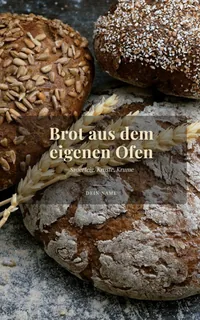
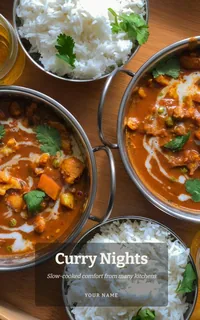
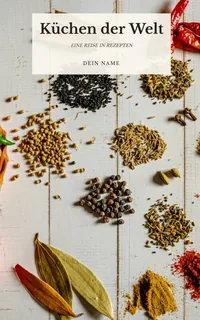
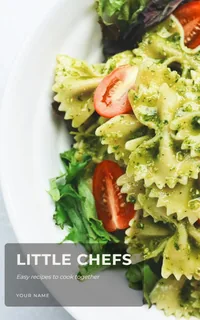
Example covers: titles and names are made up, photos are free stock images from Unsplash – your book uses your own photos. The cover photos of the HEISSLUFT books are AI-generated.
In three steps
Collect. Design. Sell.
From a loose pile of recipes to a finished book — with AI beside you at every step.
1
Collect
Type recipes in, drop in a file or photo, import from the web or simply photograph them. The AI sorts out ingredients, steps and quantities.
2
Design
Name a theme — the AI develops the concept, a chapter plan and matching suggestions. Texts in your voice, layout and live preview included.
3
Sell
One click and you have a print-ready interior plus a cover sheet with the spine width calculated to the millimetre — ready for the Amazon KDP upload.
In 45 seconds
Watch recipes turn into a book.
From pasted recipe to print-ready PDF — one full run through the app.
45 seconds, no sound needed — subtitles are built in.
The difference
Not another template kit. A workshop with AI in it.
Other cookbook and photo-book tools leave the typing and typesetting to you. MenuTome builds alongside you.
Structure recipesRaw text, a photo or a web link in — a cleanly organised recipe out.
Brainstorm concept & chaptersName the theme, get the framework — including a list of what's still missing.
Texts in your voiceForeword, blurb and headnotes sound like you, not like a generator.
From the menu card into the bookOnly dish names? The AI turns them into full recipe drafts.
Your book in 20 languagesThe AI writes chapters and recipes in the language your book will be published in.
Inside the book
Your market doesn't stop at the border
Your cookbook in 20 languages.
You choose which language your book is written in — the AI writes the concept,
chapters and recipes in it, and every page carries its headings in the same
language. All characters are embedded print-ready, including the Polish, Czech
and Turkish ones.
Deutsch
English
Français
Español
Italiano
Português
Nederlands
Polski
Čeština
Slovenčina
Magyar
Română
Hrvatski
Svenska
Dansk
Norsk
Suomi
Türkçe
Ελληνικά
Українська
This is the language of your book — you can run the app in English
and still sell a Spanish cookbook.
Sales-ready down to the spine
You're the publisher.
MenuTome delivers the complete sales package: a print-ready interior, a cover sheet with the spine width calculated exactly, and a checklist for the Amazon upload. You upload, you set the price — Amazon sells it worldwide, and the earnings are yours.
0.004"spine width, exact to 0.1 mm
100 %rights & earnings stay yours
€0no upfront cost, no publisher needed
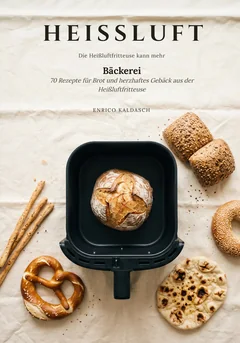
HEISSLUFT Bäckerei · Enrico KaldaschOfen aus. Korb an.70 Rezepte für Brot und Gebäck aus der Heißluftfritteuse
Example: HEISSLUFT Bäckerei (German edition), built with MenuTome, cover photo AI-generated
The real KDP formula: 0.002347" (0.0596 mm) per page on premium colour paper — exactly what the app calculates with. The spine grows as you drag.
Full spine width table →
From the workshop
Books that can come out of this.
From the festive table to nonna's kitchen — your theme, your book.
MenuTomeFeasts from the FireCooking over Flame
MenuTomeGarden & GreensVegetables all week
MenuTomeNonna's SouthRustic Pasta
Pricing
Try it free. More books with a subscription.
Collecting and designing recipes is unlimited on every plan. The plans differ in how many books you can finish: Basic one in total, Pro one per billing month, Max as many as you like. Pro and Max are monthly subscriptions.
How buying works: After your purchase, Lemon Squeezy emails you your licence key — you paste it in MenuTome under “Subscription & licence” (version 0.7.44 or later).
Monthly subscription, €14.90 per billing month incl. VAT. Renews every billing month until you cancel. No minimum term; cancel any time, effective at the end of your current billing month (it starts on your purchase day) — via “Cancel contracts here” at the bottom of every page, no login. Pro starts right away if you request it in the app, otherwise usually from day 15 after purchase.
Monthly subscription, €24.90 per billing month incl. VAT. Renews every billing month until you cancel. No minimum term; cancel any time, effective at the end of your current billing month (it starts on your purchase day) — via “Cancel contracts here” at the bottom of every page, no login. Max starts right away if you request it in the app, otherwise usually from day 15 after purchase.
✓ For series, language editions and everyone who publishes regularly
A book only counts once you export it as finished — drafts and previews are always free. MenuTome doesn't print: you get the print-ready files and upload them to Amazon KDP, epubli, BoD or your own printer. The rights and earnings of your books are 100 % yours.
* Lemon Squeezy converts the euro price into US dollars at the current mid-market rate, without a markup of its own, and charges the payment in US dollars. Your bank may charge a foreign transaction fee, so the amount on your statement may differ slightly from the euro price.
Compare all plans
Feature
Basic
Pro
Max
Finished books
1 in total
1 per billing month
unlimited
Pages per book
up to 15
no limit
no limit
Watermark
yes
no
no
Amazon print package
–
✓
✓
Devices
no key needed
2 at a time
5 at a time
Turn your recipes into a book you can actually sell.
MenuTome for Windows — local-first, with free local AI. No subscription needed to start.
MenuTome runs on Windows PCs. Open menutome.com on your computer to download the app.
✓ Windows — available nowmacOS — in the works
Windows shows a warning the first time? That’s expected — here’s what to do.
MenuTome isn’t digitally signed yet. That’s why Windows shows “Windows protected your PC” the first time you open it. Here’s what to do:
Click “More info” — the small blue text under the warning.
A button labelled “Run anyway” appears — click it.
Installation starts normally from there.
The message does not mean a threat was found — only that the file doesn’t carry a digital signature yet. Windows shows it for any new, unsigned program, whoever made it. The installer comes straight from our public repository, where you can inspect it yourself: github.com/Brixton84/menutome-releases.

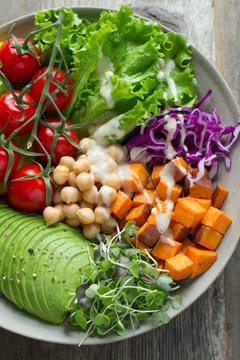 MenuTomeGarden &
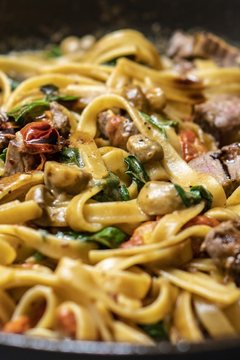 MenuTomeNonna's
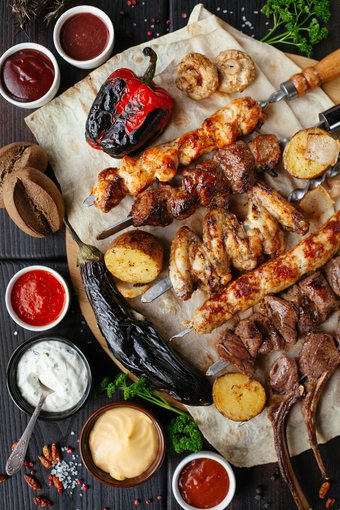 MenuTomeFeasts from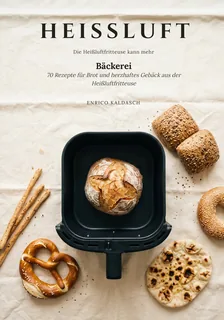


 Inside the book
 HEISSLUFT Bäckerei · Enrico Kaldasch
Ofen aus.
HEISSLUFT Bäckerei · Enrico Kaldasch
Ofen aus.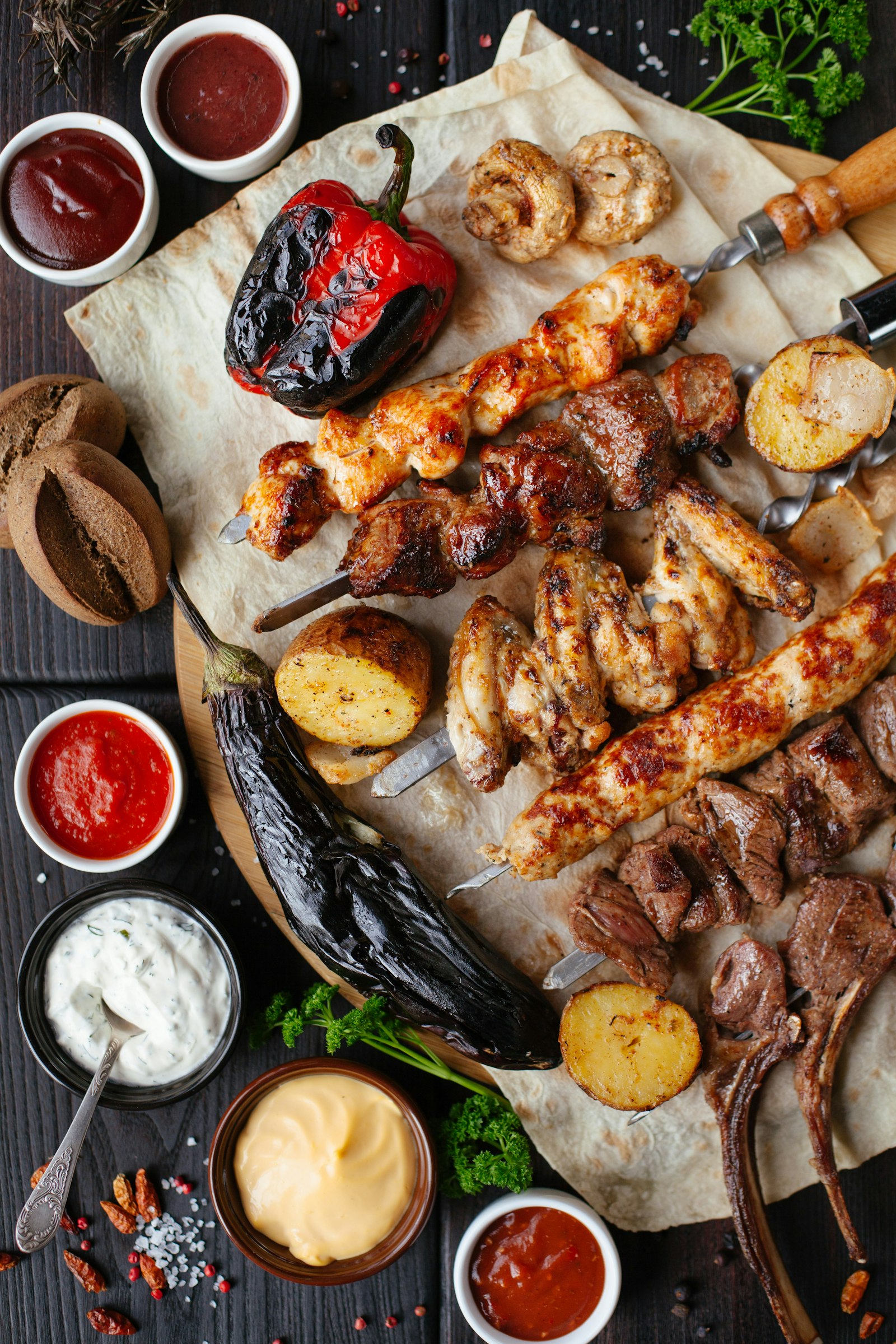 MenuTomeFeasts from the Fire
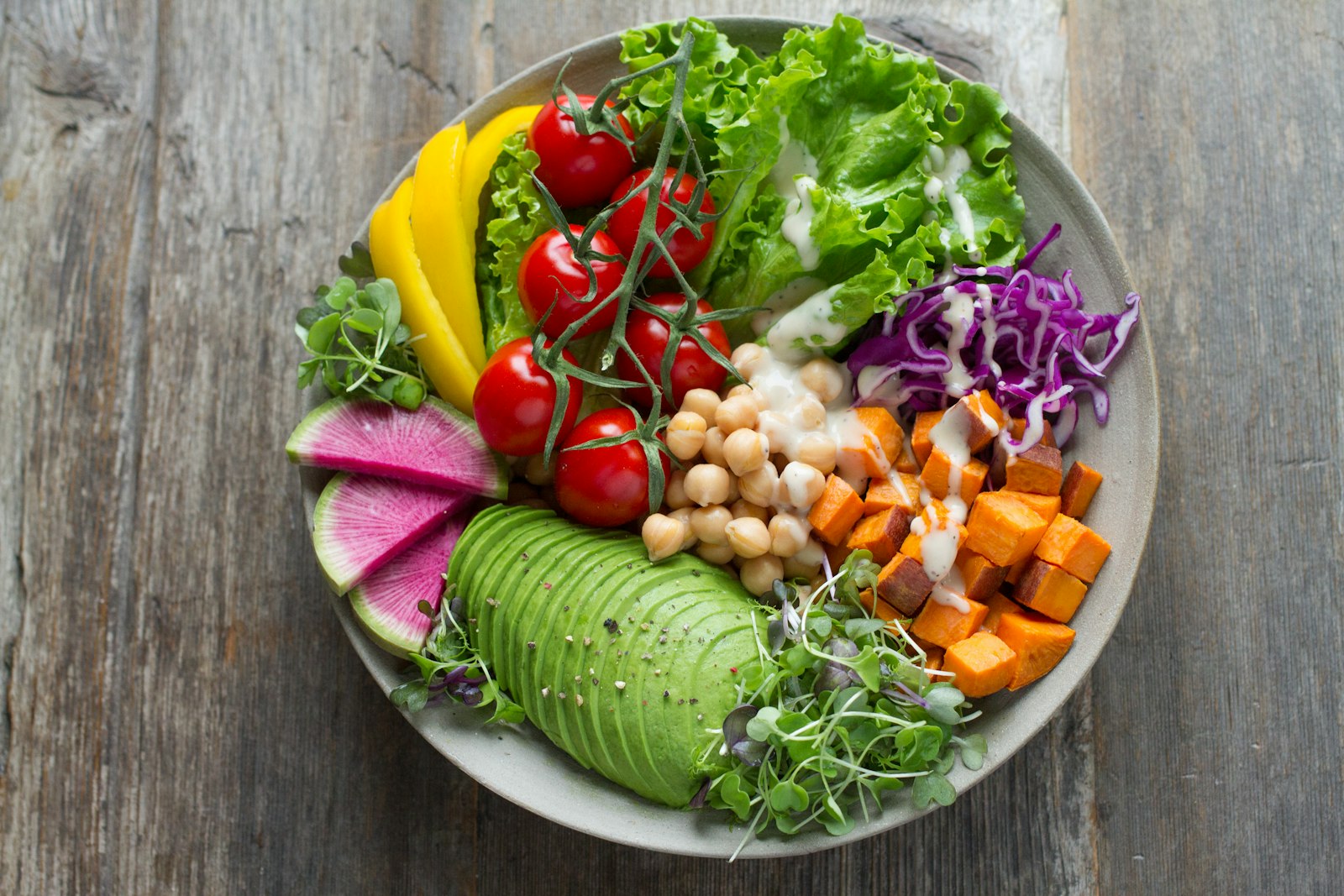 MenuTomeGarden & Greens
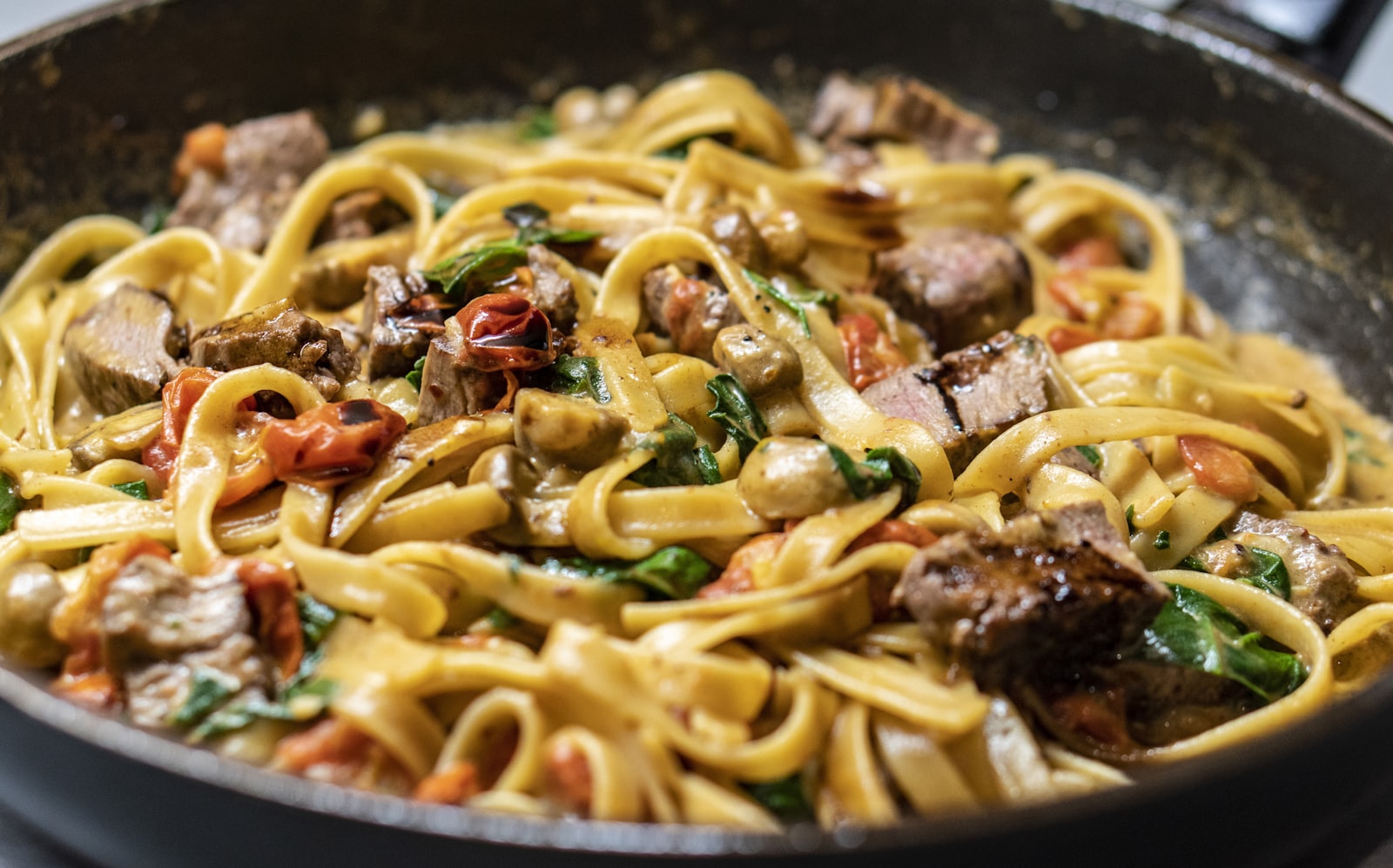 MenuTomeNonna's South